Business automation that connects the tools you already use
Yes, we connect the systems you already work with, such as Zoho, Google, WhatsApp and Nedarim Plus, and build automations that do on their own what used to be done by hand. Often you do not need a new system, just a link between the ones you have.
Who it is for
- Anyone copying data by hand from place to place: from a form to Excel, from Excel to the CRM, from email to the calendar.
- Businesses with several good tools, each standing on its own.
- Anyone who feels a big part of the day goes on work a computer could do.
- Managers who want a summary or an alert on time, without asking anyone to prepare it.
- Nonprofits and institutions where donations come in one place and donor data sits in another.
What we build
Connecting systems
Data that moves on its own between Zoho, Google (Sheets, Calendar, Gmail), WhatsApp, Nedarim Plus and other systems that have an API.
Enquiries that reach the right place
An enquiry from the website or WhatsApp is recorded in the system and reaches the right person.
Donations and payments recorded automatically
An incoming donation updates the donor card and sends a receipt. Details further down this page.
Regular summaries and reports
An email with the current status, at the time and frequency you choose.
Alerts and reminders
To a customer, an employee or you, when something happens, or when something did not happen on time.
Documents created automatically
Quotes, confirmations and receipts, from the data you already have.
Donations and Nedarim Plus, for nonprofits and institutions
In many nonprofits, donations come in through Nedarim Plus while the donor list sits in Excel or Zoho. We connect them, so every donation is recorded under the right donor and the receipt goes out without anyone copying data by hand. You do not need to replace Nedarim Plus, just connect to it.
- A donation that comes in through Nedarim Plus reaches your system, and can continue on to Zoho, Google Sheets or your reports.
- A card for every donor, with their history, standing orders and receipts.
- A receipt for every donation, emailed to the donor.
The home page has a demo of a website donation: from the payment, through recording the donor and updating Nedarim Plus, to a receipt sent by email. It is an illustration, and for each institution we build the process around how it works.
Examples from our work
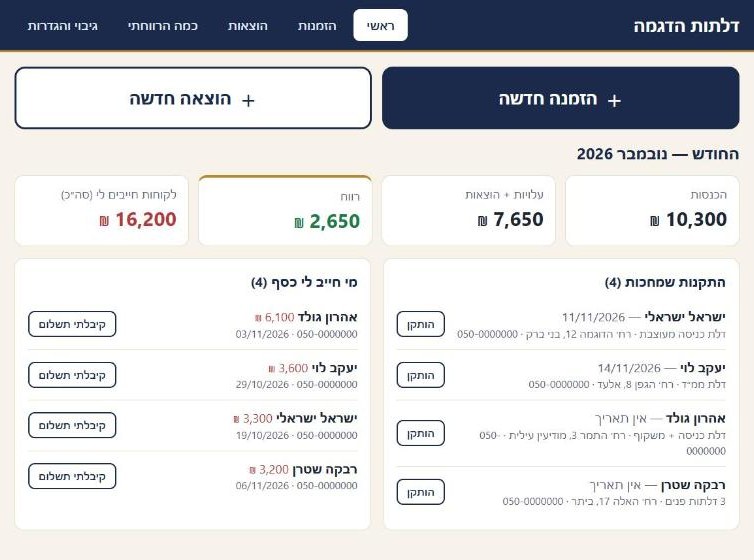 Demo data
Weekly summary by email
In the door installer system, an email with the week’s summary arrives every Sunday morning. Nobody prepares it.
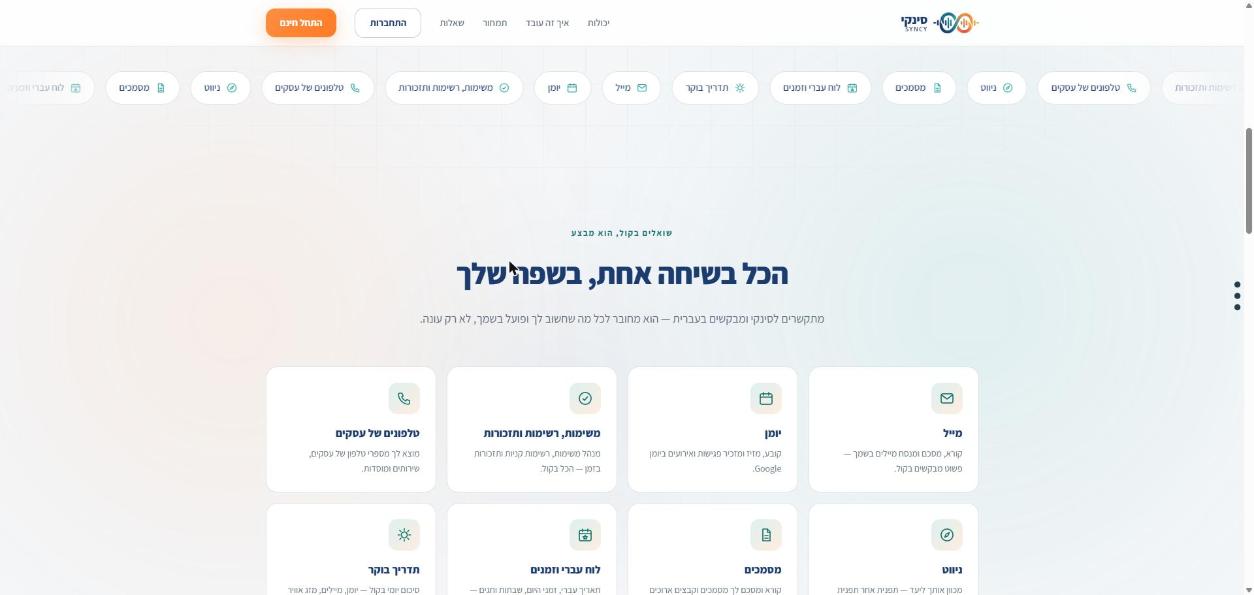
Email and calendar in a phone call
Syncy connects to the email and calendar you already use, reads email and books meetings, without replacing any tool.
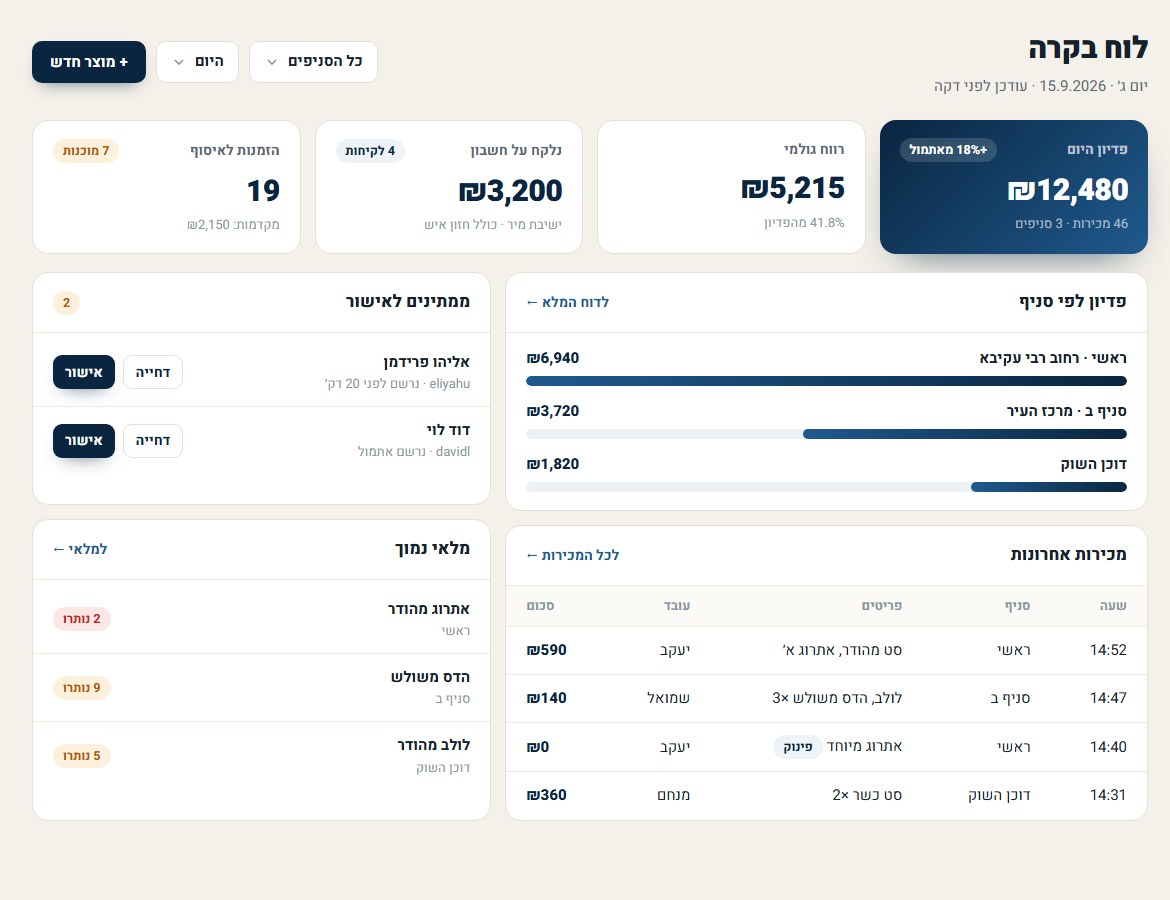 Demo data
A catalog updated from the center
In the seasonal branches, products and prices change in one place and reach every branch automatically.
Need a new system, not just a connection? See management systems and CRM.
How it works
Conversation and planning
We walk through a normal working day with you and mark every place where someone copies, retypes or waits for information. We decide together what is worth connecting first.
✓A clear specification documentDesign
We map the flow: what happens, where and when. If there is a screen or message people will see, you see it before we build.
✓Sketches of every screenDevelopment
We build the connections and test them on real data, without disrupting what works today.
✓A test version to tryRollout
We switch it on, make sure everything flows as it should, and explain what happens behind the scenes.
✓A working system and training
Frequently asked questions
Which systems can be connected?
Almost any system that has an API or some other way to export and import data. During the specification we check what each of your systems allows, and tell you honestly what is possible and what is not.
Can Nedarim Plus be connected to Zoho?
That is exactly the kind of connection we build. What moves, and in which direction, we work out in the specification, based on what both systems allow and what you need.
Do we need to replace Nedarim Plus?
No. We do not ask you to replace what works, only to connect to it.
Do donation receipts go out automatically?
It can be built so that a receipt goes out automatically for every donation. What exactly the receipt includes, and which system issues it, we decide together with whoever manages your finances.
How is this different from tools like Make or Zapier?
Tools like these are great for simple connections, and sometimes they are exactly what you need. When the process is complex, when the system is Israeli and has no ready-made connector, or when you want everything to stay with you, we build a dedicated integration. We will recommend what fits during the specification.
What affects the price?
How many systems are connected, how many processes move to automation, whether the systems have a proper API, and how many checks and conditions each process has. After the specification you get a proper proposal.
What happens if one of the systems changes something?
External systems update from time to time. During rollout we explain how to tell that a connection has stopped working and what to do then.
Where should we start?
With the task that repeats most and bothers you most. We collected a few in the article 5 tasks you can hand off to automation this month.
What if something breaks?
We do not disappear after the handover. There is support after the system goes live, and the scope is agreed in advance in the contract, so you know exactly what help you can count on.
Tell us which tools you use and what is still done by hand, and we will see what can be connected.
Sometimes a small connection saves an hour a day.